
Record the road.
Enjoy the drive.
Start while parked. Pause and resume along the way. Finish with a route, distance, duration and speed summary ready to revisit.
GPS route recordingBackground recording with permissionDrive recap
YOUR PRIVATE DRIVING JOURNAL
Record the road and your route together. Bring your videos to life with analog or digital instruments, then relive the whole drive in your private journal.
Start free. Pro $9.99 once in the US. No subscription.
INSIDE DRIVE MOMENTS
A focused cockpit on the road. A personal journal afterward. Real app screens, with sample drives you can explore in the app.
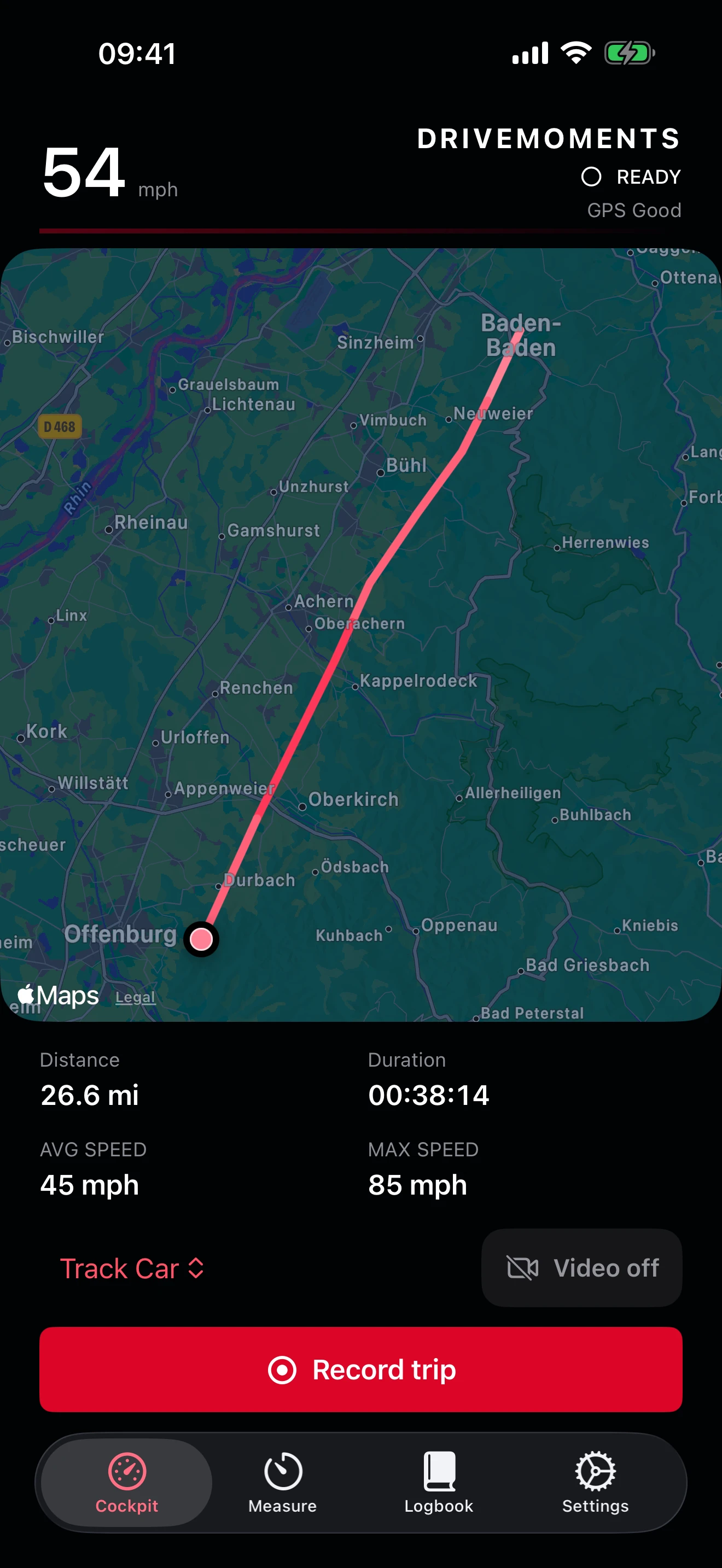
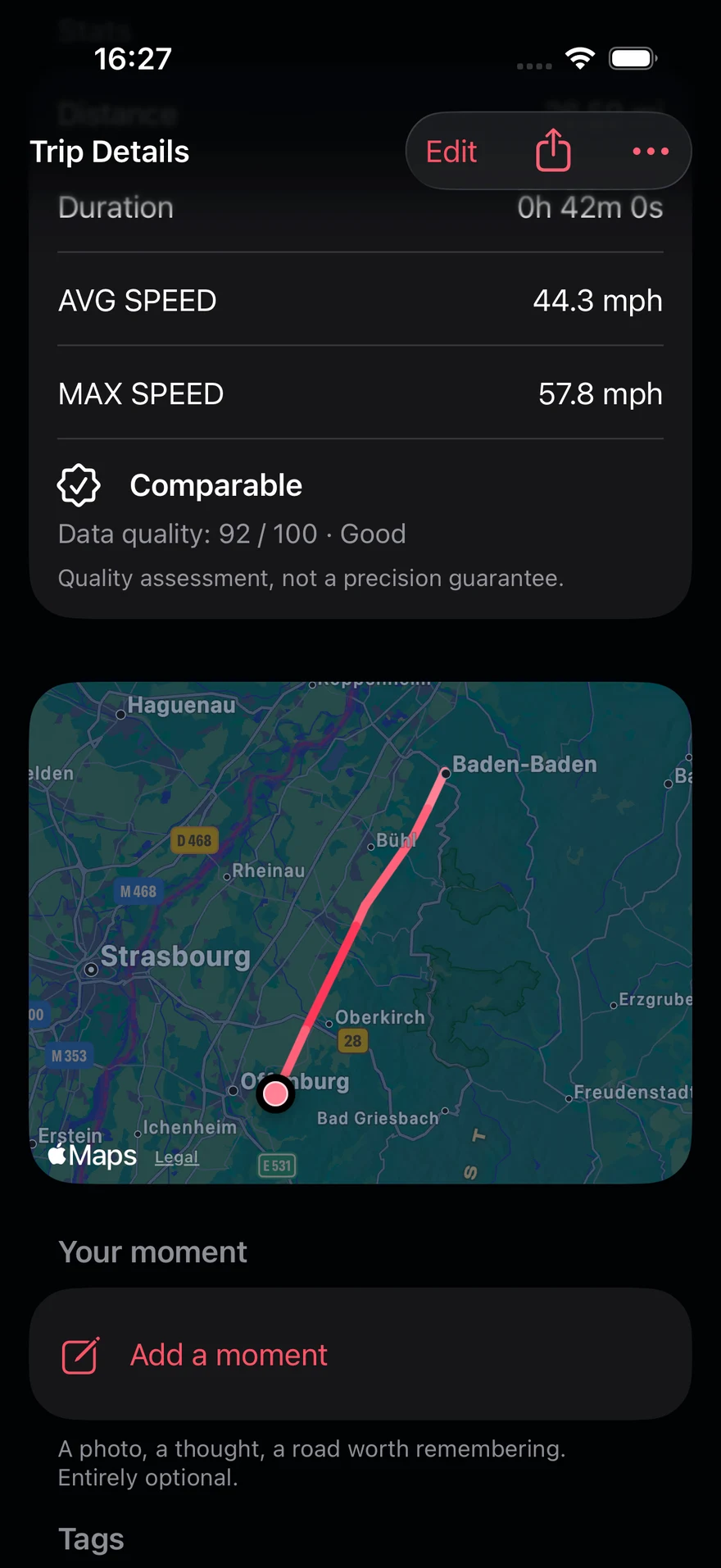
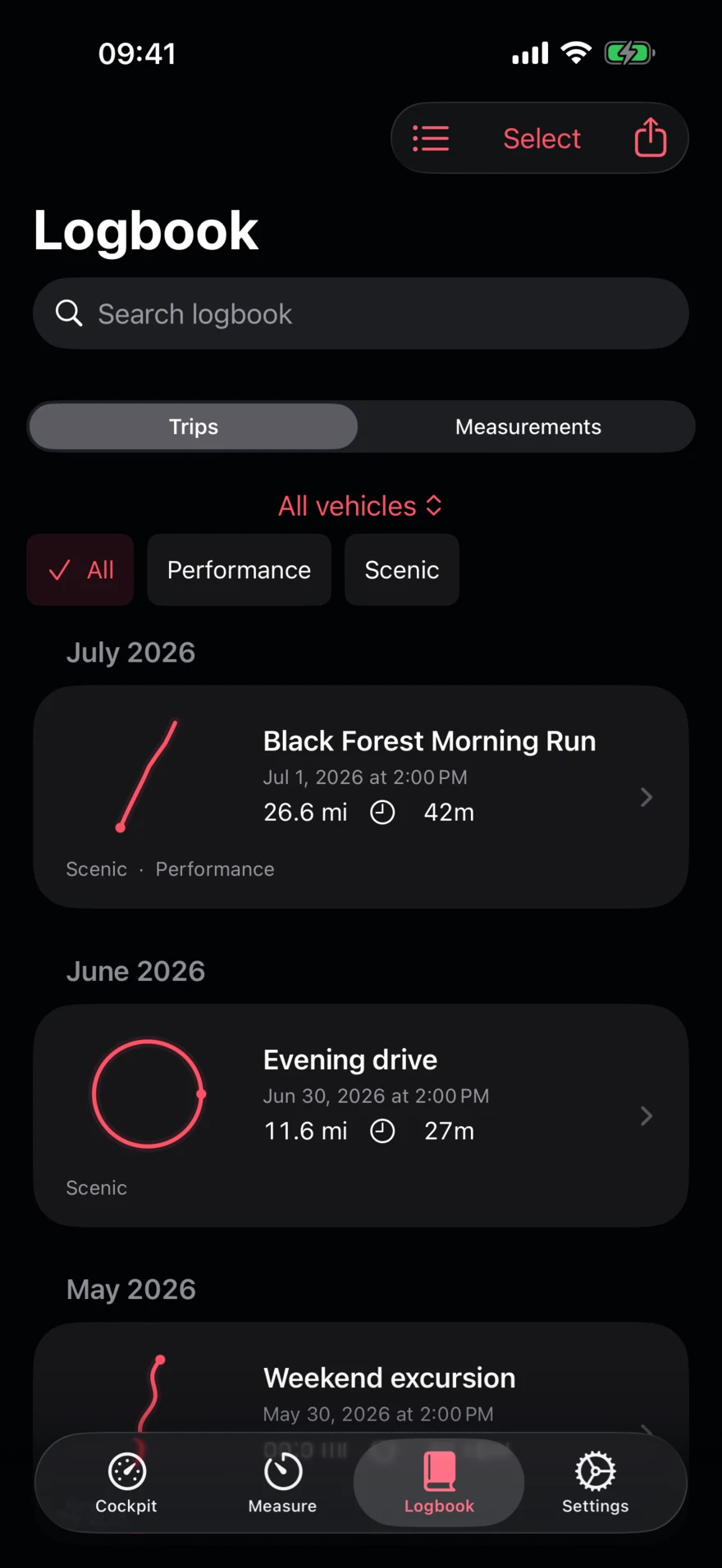
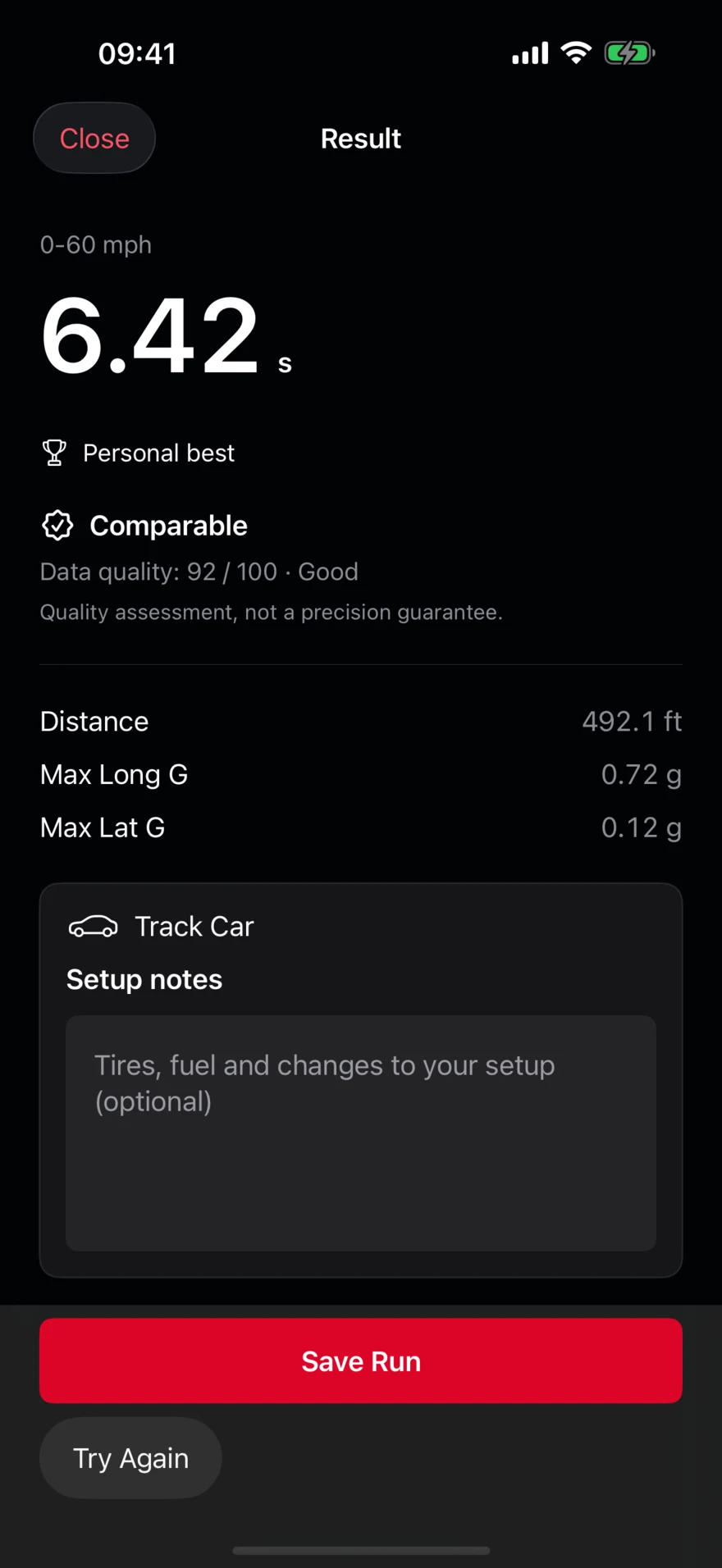
Your journal, without a subscription.
FROM THE FIRST MILE TO THE NEXT MEMORY
Keep the details that make a drive yours. Then find the road, the photo or the result when you want it again.
Start while parked. Pause and resume along the way. Finish with a route, distance, duration and speed summary ready to revisit.
Add a story, tags and up to six selected photos. Favorite a memorable drive or group a weekend of roads into a tour.
Switch between list, calendar and map views. Search your journal, filter by vehicle and look back on your last 30 days. Pro adds monthly, yearly and all-time recaps.
Keep editable vehicle profiles and attach the right car to each entry. Save acceleration, braking and free-run measurements with setup notes and data-quality indicators.
One Record button starts your drive and optional video together. Keep the map beside the live camera, switch between Analog Touring and Digital Track, then relive every clip from your logbook. Choose sound before recording and again when exporting. Your clean original stays intact.
LIVE CAMERA. YOUR COCKPIT.
One cockpit. One Record button. Add video to your GPS drive, keep a small map in view and change the instruments whenever you like. Your clips stay with the drive in your logbook.
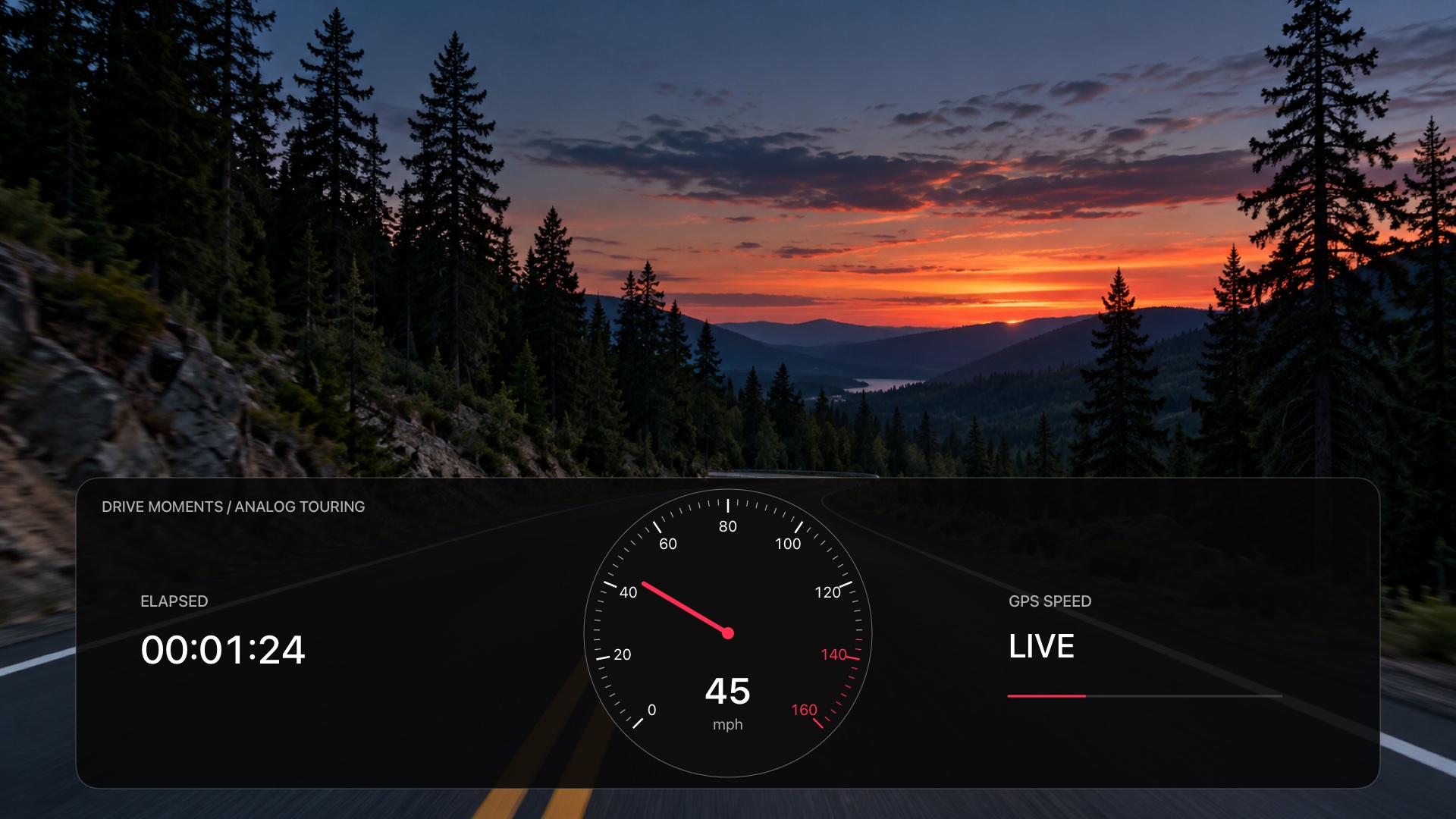
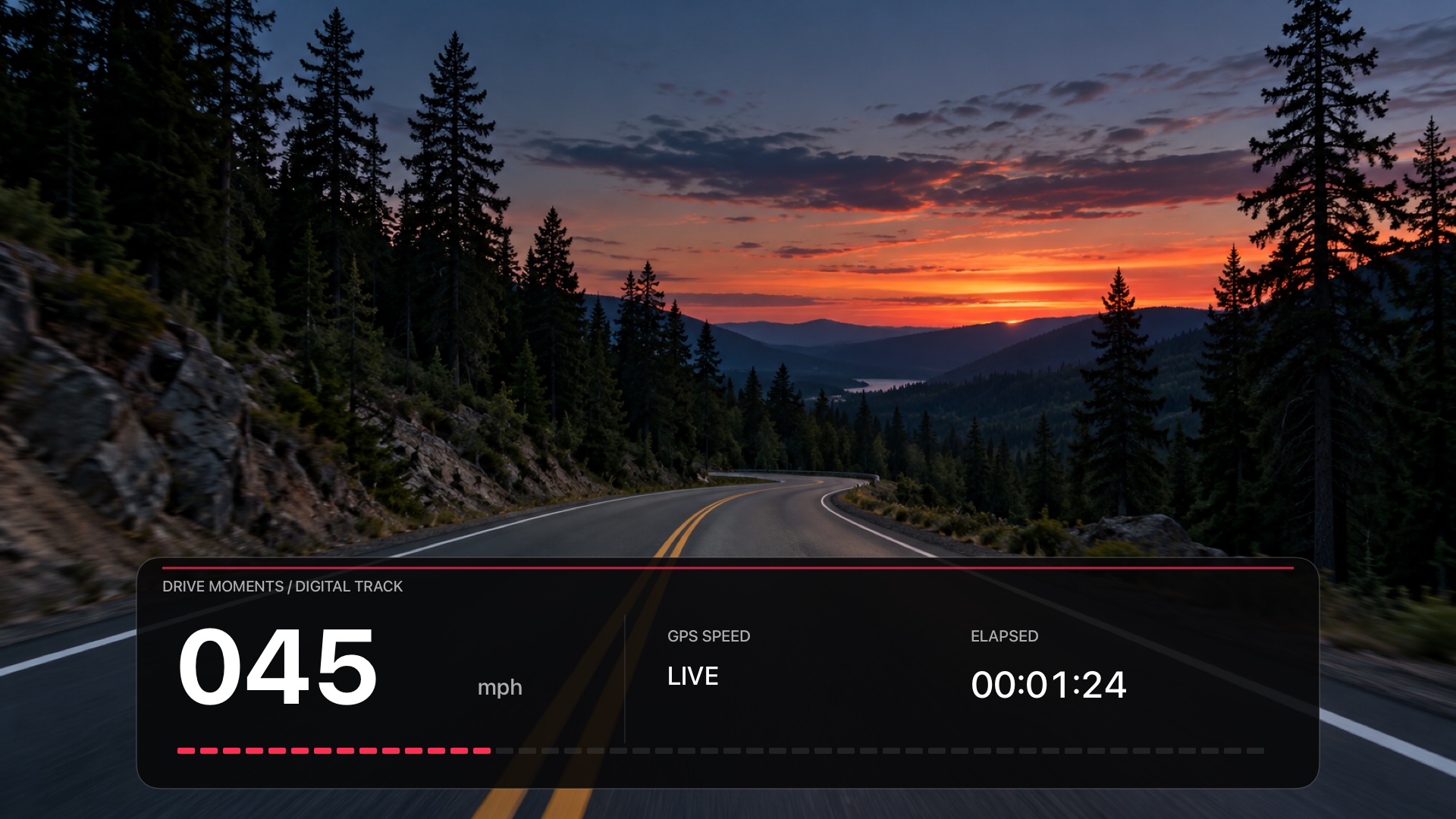
Illustrated previews: generated road scene and sample readings, with the actual native Drive Moments cockpit renderer. No private camera footage.
Choose Video on or off beside your recording controls. With video enabled, the camera and a small map share the cockpit. Choose a supported format up to 4K at 60 fps. Status, elapsed time and format stay visible.
Sound starts on. Turn it off before recording if you prefer, or remove it from an exported copy later. Microphone access is requested only for recording with sound.
Open clips from the drive in your logbook. Scrub, skip 10 seconds, choose supported playback speeds from 0.25× to 8×, and switch or hide the cockpit. Export and share with your chosen design and sound; the original stays unchanged.
PORTRAIT OR LANDSCAPE
Compose the view before you press Record. Each clip keeps the orientation you start with. The cockpit stays proportional when you export in portrait or landscape.
Set up while parked. Clips run for up to 30 minutes. Locking or leaving the app stops video independently of an active GPS drive.
Download on the App Store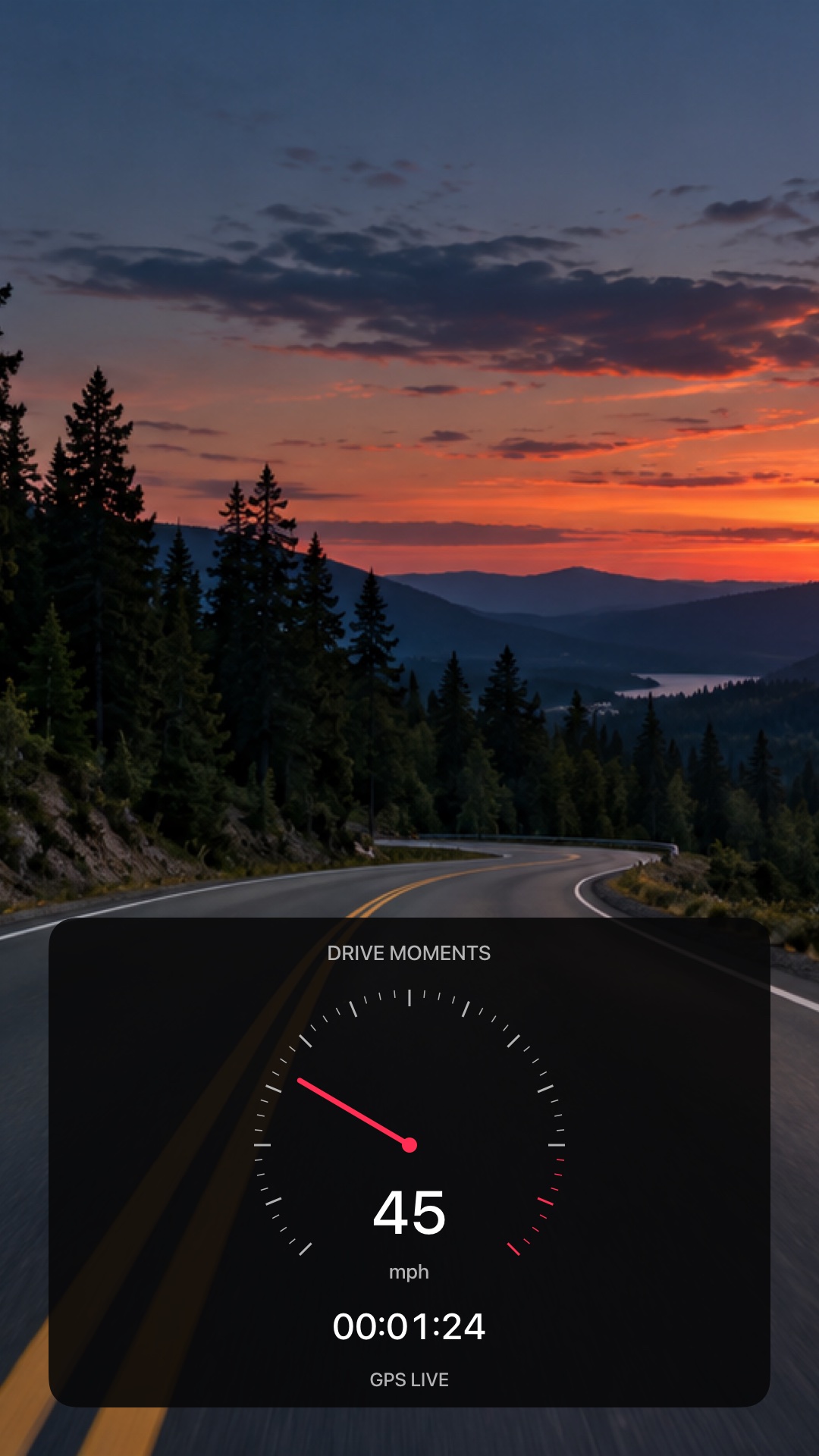
IPHONE ON THE ROAD. IPAD AT HOME.
Record on your iPhone. Add the story or organize the trip on your iPad. Optional iCloud sync keeps finished entries, photos and vehicles together under your Apple Account.
Off by default. Enable on each device. Active recordings stay on the recording device. Sync uses your iCloud storage.
Download on the App Store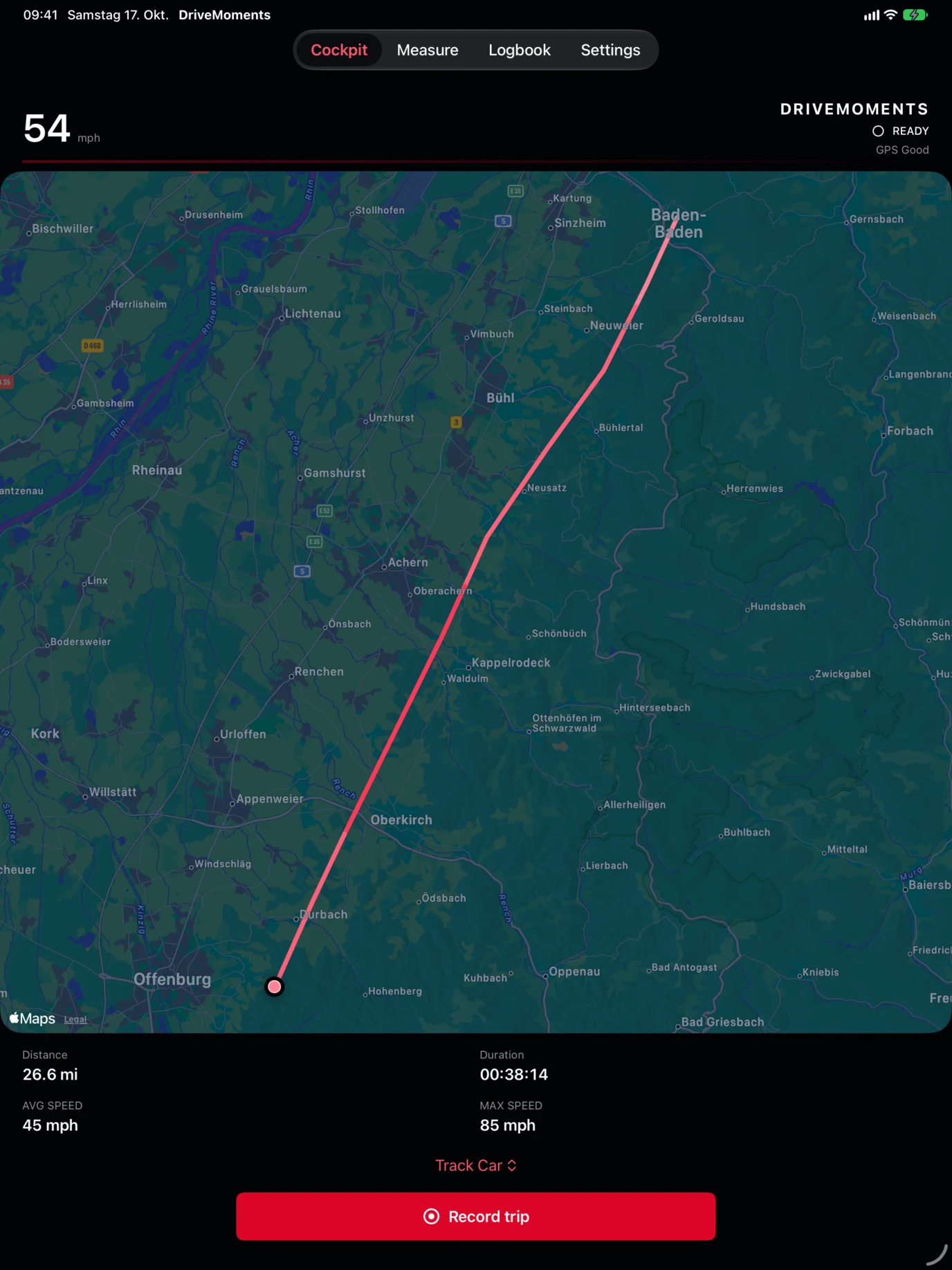
EVERY DETAIL HAS A PLACE
From a quick recap to a report you can keep, your journal stays useful long after the engine is off.
Create a Drive Moments-branded PDF or export CSV, JSON and GPX for your own records. Choose the entries you want to include.
Preview a share card before sending. Routes, addresses, photos and stories start hidden until you choose to include them.
Export a restorable backup, including stories and photos. Restore missing entries without overwriting matching records. Sync and backup serve different purposes.
A simple cockpit and editable vehicle profiles keep setup short. Apple Shortcuts can open the app to start or stop a drive after initial setup.
Light, dark or system appearance. German and English. Kilometers or miles. Layouts made for iPhone and iPad.
Explore a sample drive and measurement in the built-in demo before granting location access. No Drive Moments account to create.
A free driving journal. Optional one-time Pro for unlimited video exports and recaps of older drives.
THE COMPLETE TOOLKIT
Everything included in the app, in one place. The free journal has no trip limit. Pro removes the monthly limit on new video exports and adds recaps and complete tour albums for older drives.
The map is a recording view, not turn-by-turn navigation. Performance readings are estimates. Camera clips are foreground-only and limited to 30 minutes; interruptions end the current segment. A public cockpit community, standalone CarPlay app and automatic trip detection are not included.
START FREE. KEEP WHAT YOU CREATE.
Record as often as you like. Upgrade when you want to share more videos.
$0
Unlimited GPS journal, video recording and playback. Analog Touring and Digital Track. Photos, stories, vehicle profiles and optional private iCloud sync for entries and selected photos.
3 new video exports each calendar month on this device. Re-export those clips anytime; failed exports do not count. Supported capture formats up to 4K/60 are included.
ONE-TIME UPGRADE
$9.99 USD · once
Unlimited video exports. Choose your cockpit and sound, keep your clean original, and share the result as a video file.
No subscription. Purchase in the app and restore Pro on your devices with the same Apple Account. Local prices and availability are shown by Apple.
Original videos stay on their recording device and are not included in iCloud sync or backups. The free export allowance renews by UTC calendar month. Previously purchased paid versions keep their access.
Try a real drive before choosing Pro.
YOUR DRIVES ARE YOUR BUSINESS
Save locally without signing up. Protect the app with Face ID, Touch ID or your device passcode. Enable private iCloud sync only if you want it. EGOHEAD WORKS has no access to your private iCloud database.
How Drive Moments handles your data →Maps, address lookups and optional weather use Apple services. Share and export controls help you decide which sensitive details leave your journal.
No Drive Moments account is required. Download free and keep your GPS journal, video recording, playback and both cockpit styles. Three new video exports per calendar month per device are included; re-exporting those clips is free and failed exports do not count. Drive Moments Pro is an optional one-time purchase for unlimited video exports, monthly, yearly and all-time recaps and complete tour albums with older drives: $9.99 in the US, with local pricing shown by Apple. Every saved drive stays free to open, play back and back up. No subscription or advertising; usage statistics are sent only with your consent. Restore Pro in Settings using the same Apple Account. Existing paid-app customers retain their access.
Yes. Turn on optional iCloud sync separately on both devices using the same Apple Account. Finished drives, measurements, vehicles, stories and selected photos sync through your private iCloud database. Active recordings stay on the recording device until finished. Offline edits wait for reconnection; conflicting edits are retained as copies. Sync uses your iCloud storage and is not a backup.
Enable Always location access for background recording. Start the drive explicitly in the app; Drive Moments does not automatically detect trips. iOS, battery state and GPS reception can affect recording.
They are GPS and sensor estimates. Reception, device mounting and gaps in samples affect results. Data-quality and comparability indicators help put results in context. Use performance modes only in safe, lawful settings, and operate the app while stationary.
While parked, turn on Video in the cockpit, choose an available format and orient your device. The same Record button starts GPS and video. Sound starts on and needs microphone permission. Pausing finishes a video segment; resuming starts another under the same drive. View clips from the logbook, scrub or skip, choose supported playback speeds from 0.25× to 8×, and change or hide the cockpit. Export with the recorded design changes or a fixed Analog Touring or Digital Track design, with or without recorded sound. Playback speed does not change export speed. Up to 4K/60 is available on supported cameras. Each clip is limited to 30 minutes; locking, leaving the app or a camera/audio interruption ends the video segment independently of GPS. After returning, pause and resume the drive to start a new video segment. Videos remain local, outside iCloud and backups. Merging drives keeps all clips together as separate files; deleting a drive also deletes its local clips. Import your own transparent 16:9 PNG artwork or a compatible cockpit package in Settings. Use only artwork you have permission to use.
Drive Moments is a personal driving journal. It is not advertised as a certified tax logbook or a substitute for professional telemetry, a speedometer or navigation.
Create a Drive Moments backup in Settings and restore it on the new device. Backup files include saved entries and their selected photos; the current file limit is 50 MB. PDF, CSV and ordinary JSON exports are separate from the restorable backup format. With iCloud enabled, deletions also sync to your other devices.
Drive Moments supports iPhone and iPad running iOS or iPadOS 26.1 or later. German and English interfaces, km/h and mph, and light and dark appearance are included. CarPlay, Apple Watch and automatic trip detection are not included.
FOR DESIGNERS / EARLY DESIGN RESOURCES
Make your own look with the Cockpit Studio starter kit. Import transparent PNG artwork or a compatible cockpit package in the app, then pair it with analog or digital instruments. Explore original analog and digital cockpit artwork. Editable source files, transparent 4K graphics and a guide to the dynamic displays.
Get the free design starter kit →The app includes Analog Touring and Digital Track, plus local custom-artwork import for live video, playback and export. The public community gallery is planned and is not part of the app yet.
DRIVE MOMENTS BY EGOHEAD WORKS
A private home for your routes, your cars and the moments behind the wheel.
Download on the App StoreStart free. Unlock unlimited video exports and recaps with Pro. No subscription.