Choose your picture.
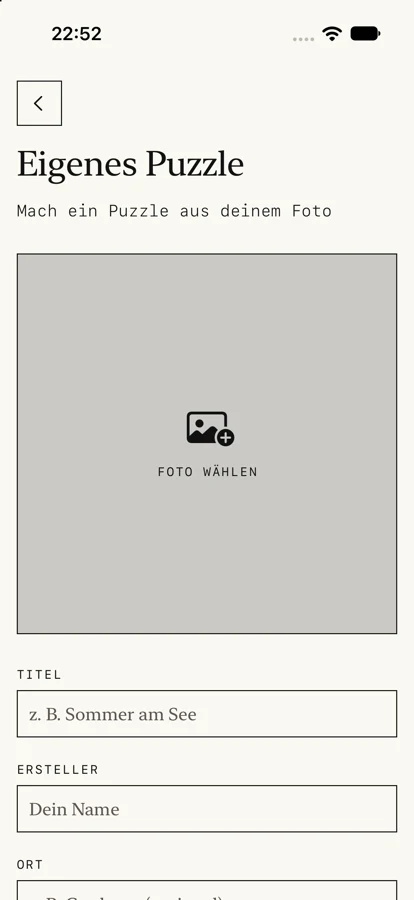
Choose from 50 museum artworks, or add your own photo with a title and your name. Your holiday, your pet, your inside joke.
From Hokusai to your favorite face. Explore 50 public-domain artworks or turn a photo of your own into a swap puzzle — then pass a little challenge on.
Try the puzzleComing soon for iPhone & iPad · iOS 26+
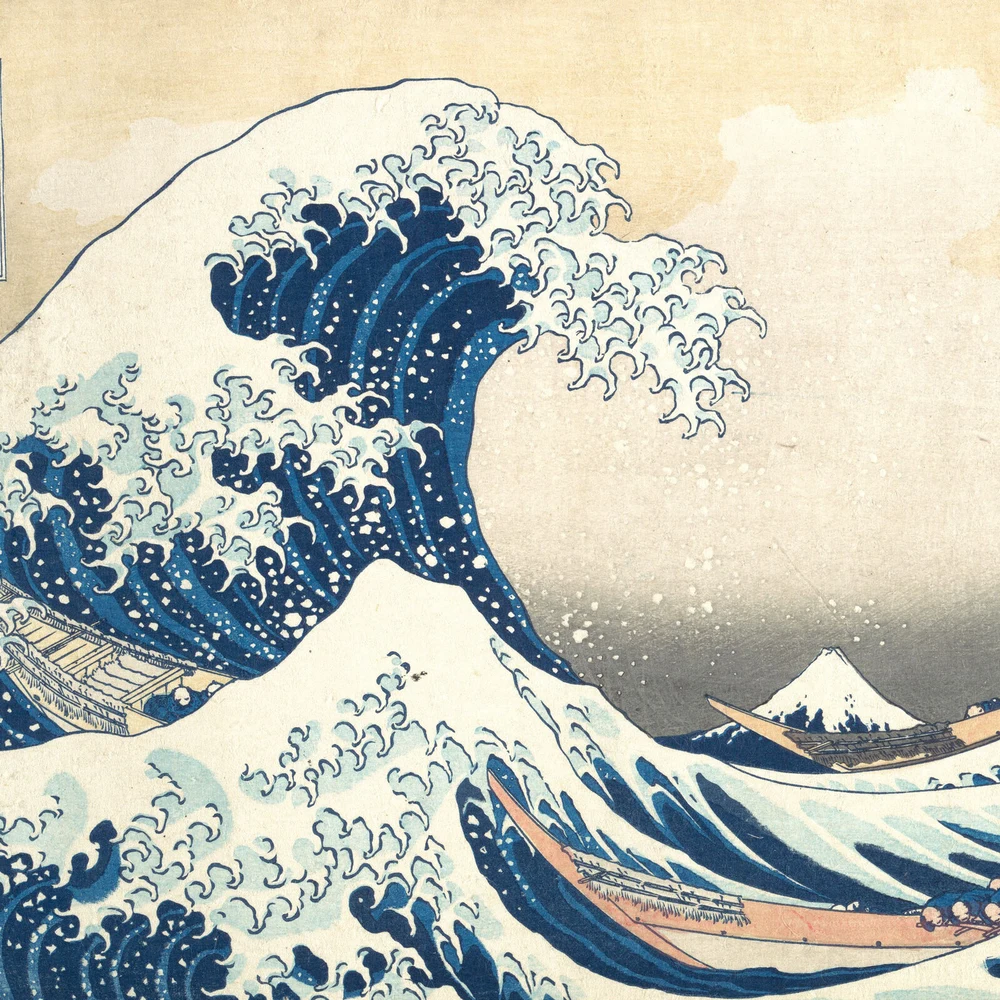
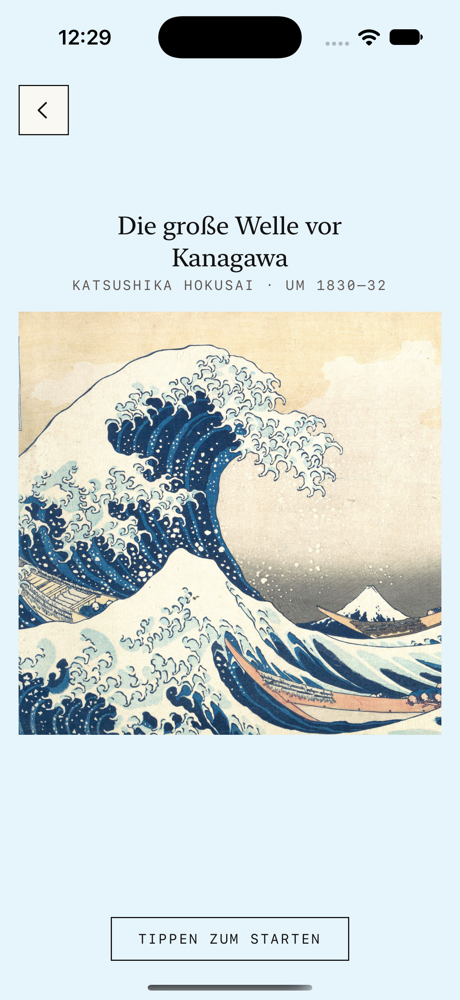
A new way to say “thought of you”. A little more personal than another picture in the chat.
Choose from 50 museum artworks, or add your own photo with a title and your name. Your holiday, your pet, your inside joke.
Choose your challenge and put the picture back together. Solve it your way, at your own pace.
Send your puzzle through your favourite chat or AirDrop. Friends open it in Piecepass and have a go themselves.
You don’t need a perfect photograph. The one that means something is the one to pick. Make it a puzzle in Piecepass and give someone a reason to look a little closer.
Solve your puzzle first, then send it with your result as the mark to beat. Same picture, same starting arrangement, with the ghost of your run to play against. Share a result card or a short replay when you finish.
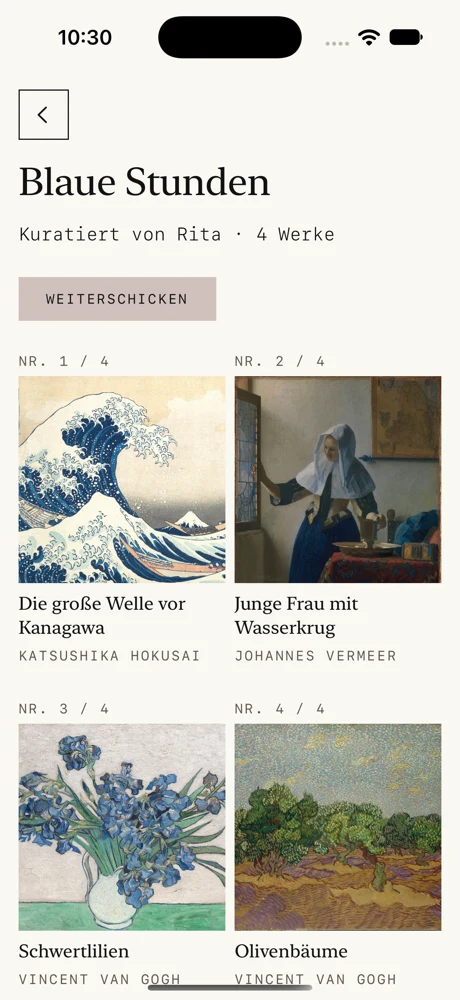
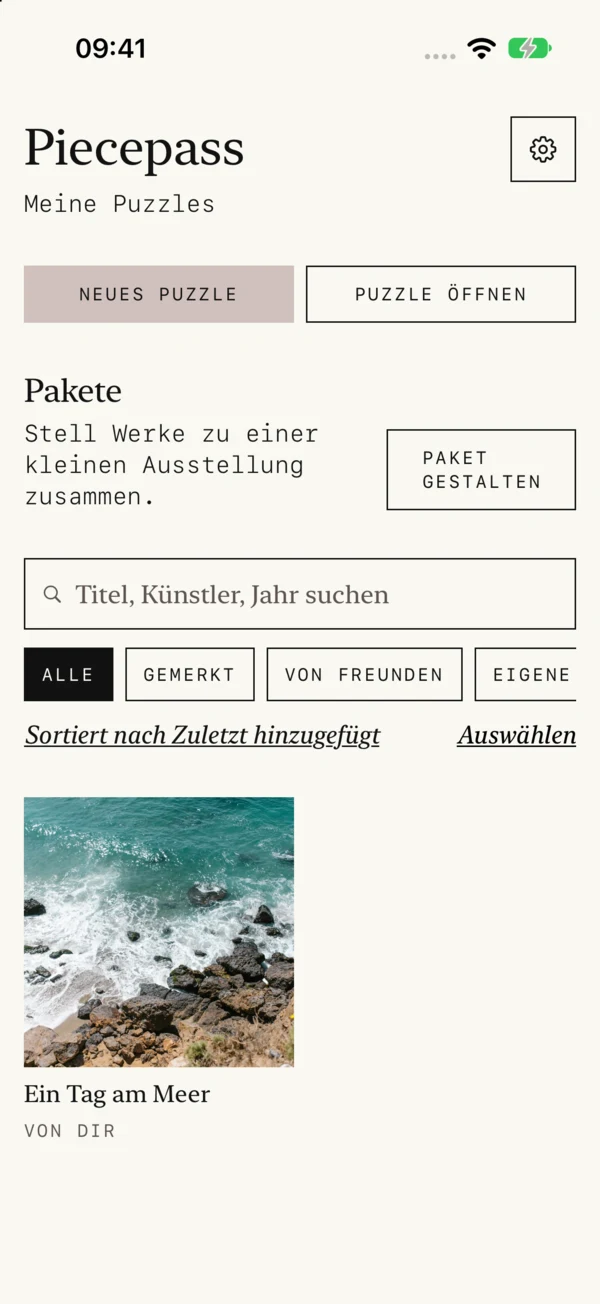
Put several puzzles together in a pack. A trip, a birthday, or just a few favourites. Give the collection a name and send it on — a small, playable album.
Artwork, photos and a personal library. Keep the parts you love, share the parts you choose.
Search by title, artist or year. Filter your own photos, artworks and saved favorites. Archive puzzles you want out of the way, then bring them back when you like.
A gentle background takes its colors from the artwork while the board stays clear and neutral. Reduced Motion and increased contrast keep the presentation comfortable.
After solving, open the complete image full screen with its title and artist. Save it to Photos when you want to keep a copy.
Zen has no running clock. Switch music and effects off separately in Settings; music and audiobooks from other apps can keep playing. Puzzle offline without signing in.
A shared challenge keeps the same starting layout and the ghost of the sender’s run. Share your result as a row of squares or a short replay video.
Arrange puzzles into packs, add your own wall text and send the collection on. Museum artworks and personal photos each keep their own sharing route.
No Piecepass account. No public feed. Your photos and puzzles are stored on your device. Piecepass does not host them on its own server; you choose who receives them through your sharing app.
Read the app privacy policy ↗A little web demo with an example photo. Select two pieces to swap them. Put the picture back together.
Tap two pieces. Swap their places.
0 moves
Start with 30 pieces. Choose Pro when you want to create larger puzzles.
30 pieces. Artworks and your own photos as puzzles. Play received challenges at their original size, even without Pro.
60 and 96 pieces for your own challenges. One purchase, no subscription. The app shows the price before you buy.
Yes. Choose a photo on your device, add a title and your name, and save it as a puzzle. You can play it yourself or share it with someone else.
Share the puzzle file through a messaging app, email or AirDrop. Your friend opens the file in Piecepass. Puzzles based on the included artworks can also travel as links.
No Piecepass account or login is required. Your puzzle library stays on your device.
The free version includes puzzles with 30 pieces. The optional Pro one-time purchase unlocks larger puzzles with 60 and 96 pieces. Received challenges can be played at their original size without buying Pro. There is no subscription.
Piecepass is built for iPhone and iPad running iOS 26 or iPadOS 26 and later. The public App Store release is coming soon.
Yes. Your library is stored on your device, and puzzles work offline. Zen has no clock. Turn Piecepass music and effects off separately if you prefer; audio from other apps can continue playing.
Search, filter and save favorites, or move puzzles into the archive. You can restore archived puzzles to the library later.
For the people who were there. Or the ones you wish had been.
Explore PiecepassComing soon for iPhone & iPad · iOS 26+